Barcode Labels Bangalore — labels, ribbons, printers and accessories
Call 06361178969Expert buying guides
Home›Barcode Printers›Zebra›ZD611
ZEBRA · DESKTOP PRINTER

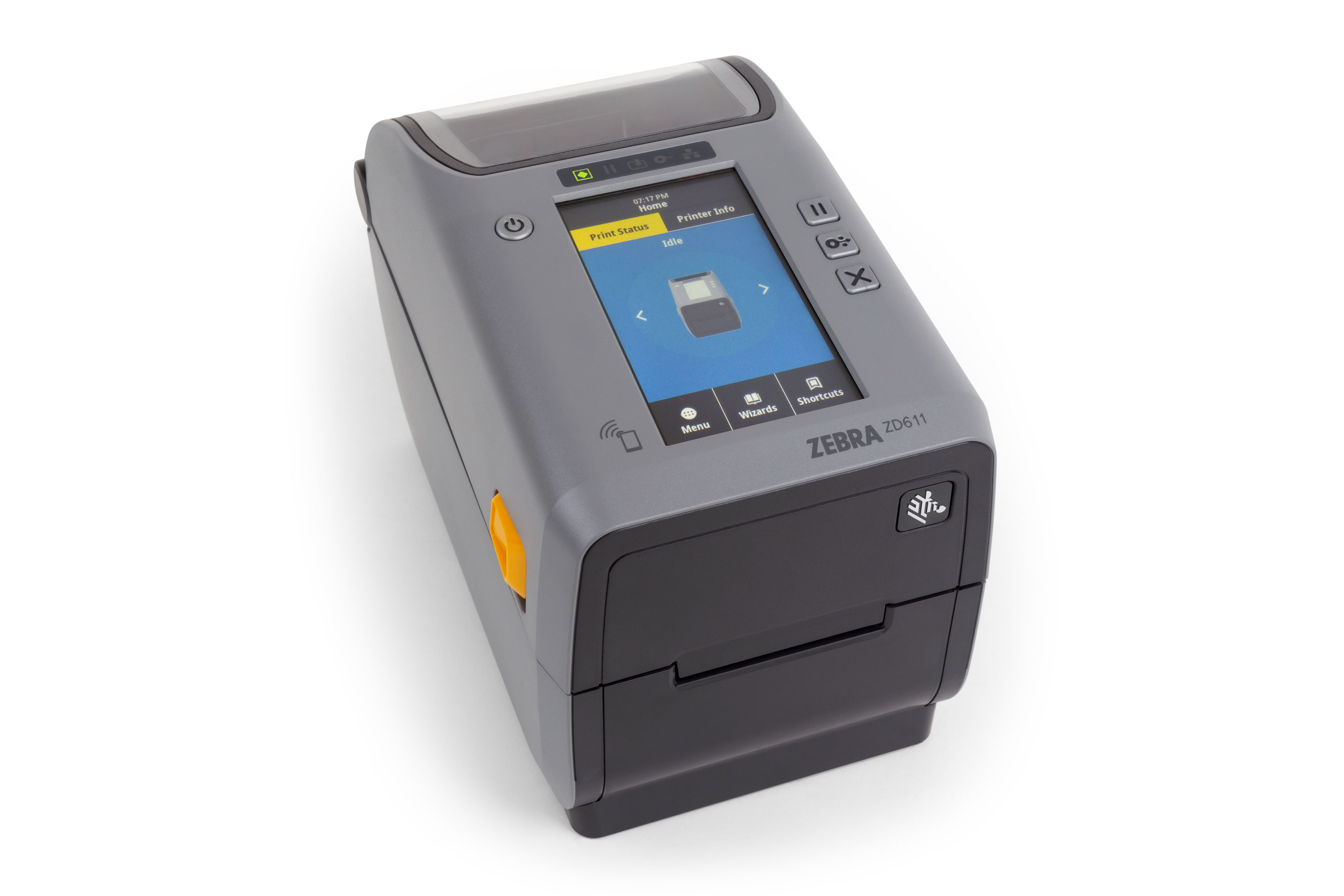
Zebra ZD611 Barcode Printer

Premium two-inch desktop label printer for small labels and high-accuracy workflows.

PRINT METHODDirect thermal / thermal transfer variants
RESOLUTION203 / 300 dpi
PRINT WIDTH56 mm (203 dpi)
INTERFACES / PORTSUSB 2.0, USB Host, Ethernet

Questions about pricing or options? Talk to our expert

Features & Specifications

Fast printing; enhanced connectivity and management. Premium two-inch desktop label printer for small labels and high-accuracy workflows.

ModelZD611
Product familyZD600 Series
Application categoryDesktop
Print technologyDirect thermal / thermal transfer variants
Resolution options203 / 300 dpi
Print width / class56 mm (203 dpi)
Manufacturer-listed portsUSB 2.0, USB Host, Ethernet
Optional / SKU-dependentWi-Fi 6/Bluetooth 5.3 or Wi-Fi 5/Bluetooth 4.2
Maximum speedUp to 8 ips (203 dpi)
Supplies compatibilityConfirm exact label width, core, media and ribbon for the chosen SKU

Typical applications

  • Retail price and shelf labels
  • Small warehouse stock labels
  • Shipping, inventory and product barcodes
What to confirm before ordering

  • Exact full part number and regional warranty
  • Printhead resolution and maximum label dimensions
  • Host ports, required cables and network options
  • Label material, ribbon and media core compatibility

Understanding interfaces and print media

Listed ports: USB 2.0, USB Host, Ethernet.

Optional features: Wi-Fi 6/Bluetooth 5.3 or Wi-Fi 5/Bluetooth 4.2.

This model family supports ribbon-based thermal transfer printing for more durable labels when the correct ribbon and coated stock are selected. Confirm the precise configuration.

Choose the correct Zebra configuration

Before ordering, confirm label width, print volume, 203/300/600 dpi needs, network interface, print language, ribbon support and installation environment. Barcode Labels Bangalore can help with labels and ribbons after compatibility is checked.

Source: Zebra official model page or specification sheet ↗